


Welcome to the 16th edition of the Ideas on Design Digest! This time, I will cover whats new in Design tools, from Adobe Firefly to Canva and more. In the last edition, I wrote about punk and design. If you missed that, you can read it here.
It’s an exciting time to be a designer. New software, plugins, and AI tools are constantly pushing our capabilities further. Just recently, I’ve built a simple note-taking app, created photoshoots with people who don’t exist, and worked on campaigns with animated 3D elements. All done with tools that didn’t exist a couple of years ago.
I find it just as exhausting though. Over the past few months I feel a certain sense of disorientation with new stuff constantly demanding my attention. Am I staying on top of things? Is it even possible to? I try to, but struggle with knowing whether I’m investing the right time in the right thing.
I wish the pace of innovation was a little slower, not everything at the same time. Maybe as it used to be, when choices were more binary and permanent, not an endless cycle of starting all over again. I’m sure some of you feel the same way, but the new year has just started and I’m sure it is going to be as disruptive as 2025.
Tools worth your time:
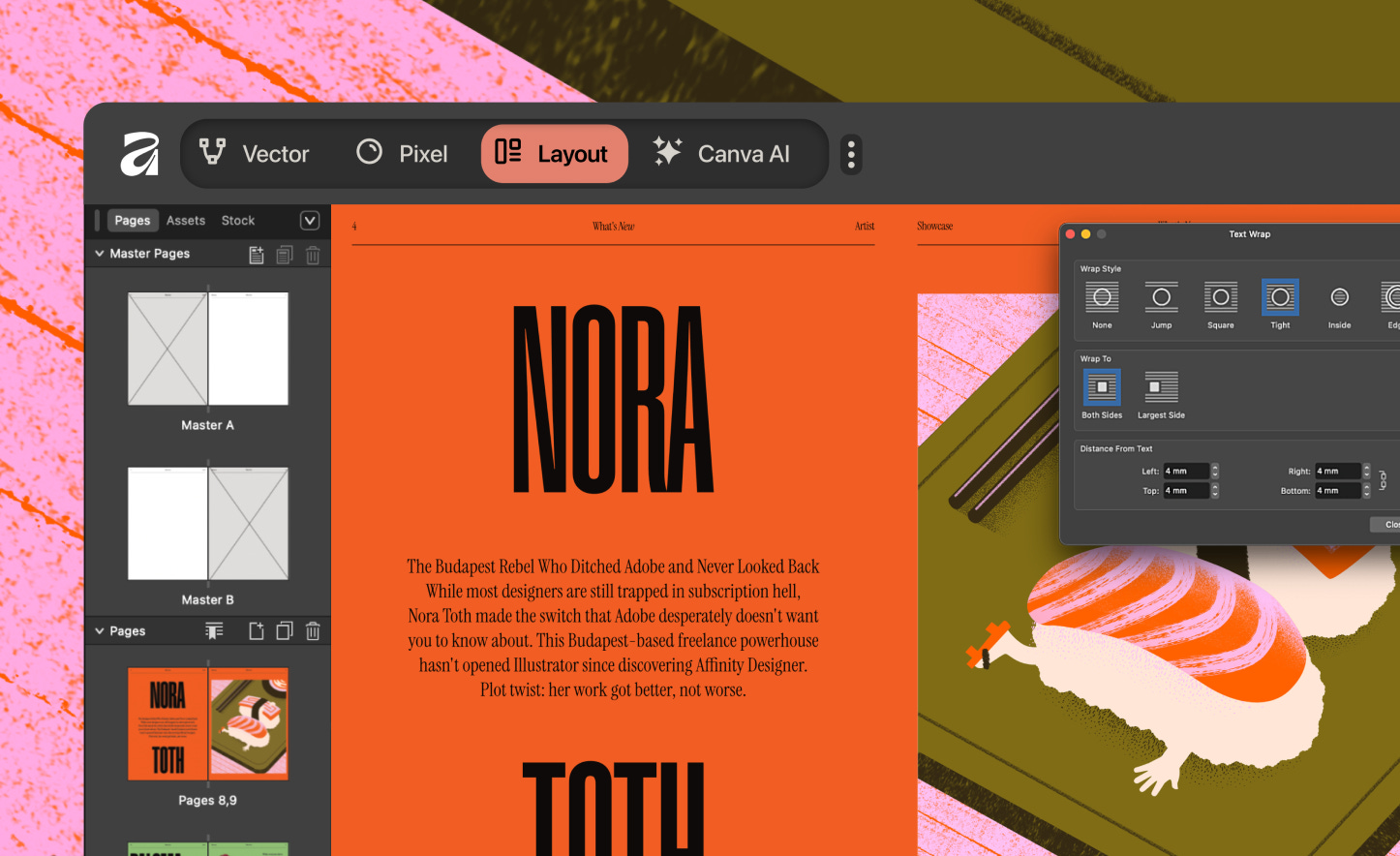
Affinity Studio: One tool to rule them all
I always asked myself why Adobe never made an effort to consolidate tools like Illustrator, Photoshop, and InDesign. I’m sure the large portfolio of specialized tools makes sense from a business perspective, but the approach Affinity is pursuing makes much more sense for the user. All graphic design needs addressed by a single solution, and free. I’m excited especially about the coming iPad version, but as with all free tools, I’m curious about the catch here.
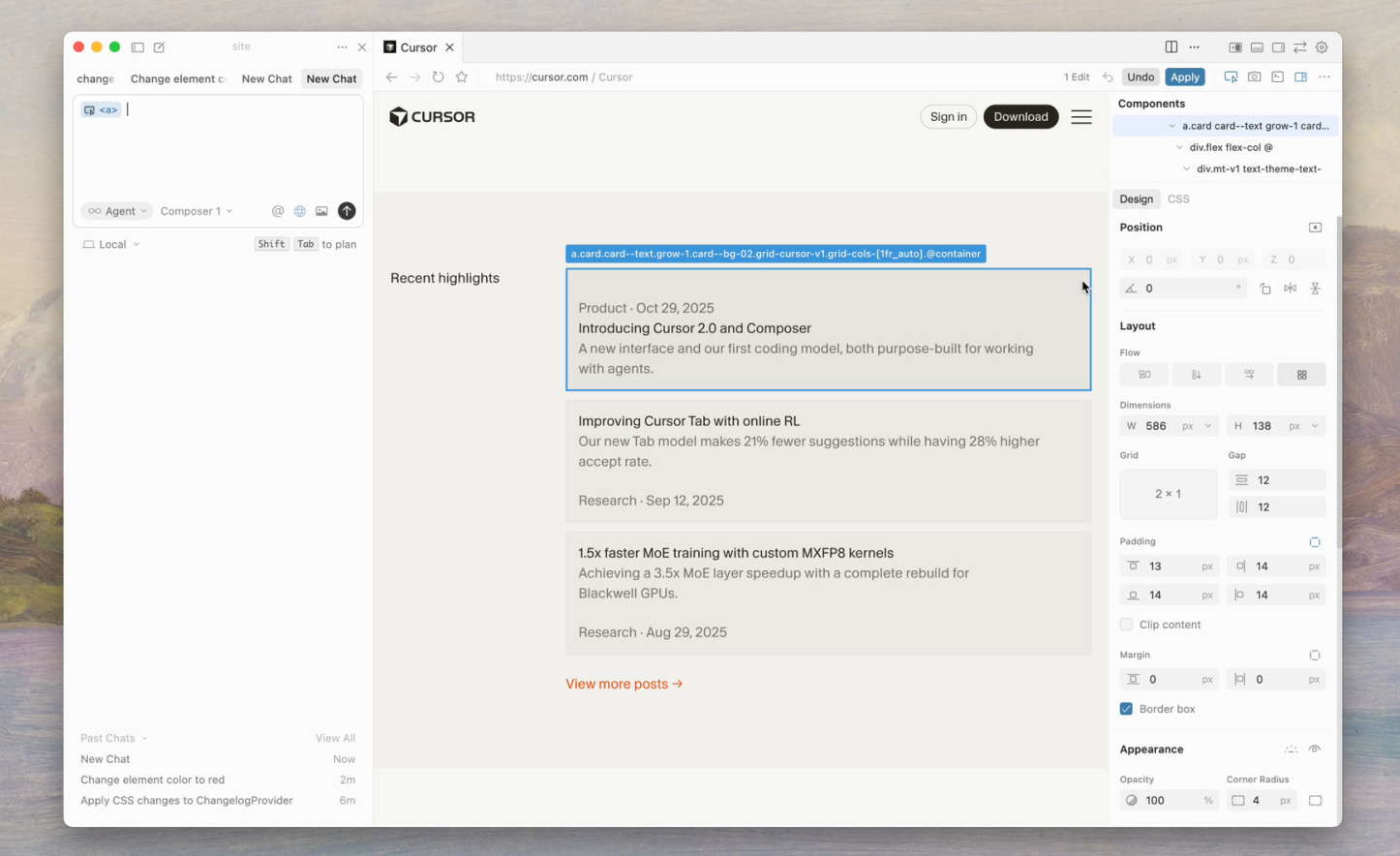
Cursor launched a visual editor
20 years after Dreamweaver was launched, tools that bridge code and design are getting some love again, now with AI. Cursor has launched a way to edit website properties in a visual way and make those edits directly translated and implemented in your website code. Additionally you can click in specific elements and prompt changes. It’s still somewhat limited but the potential is nice. Just like it was 20 years ago.
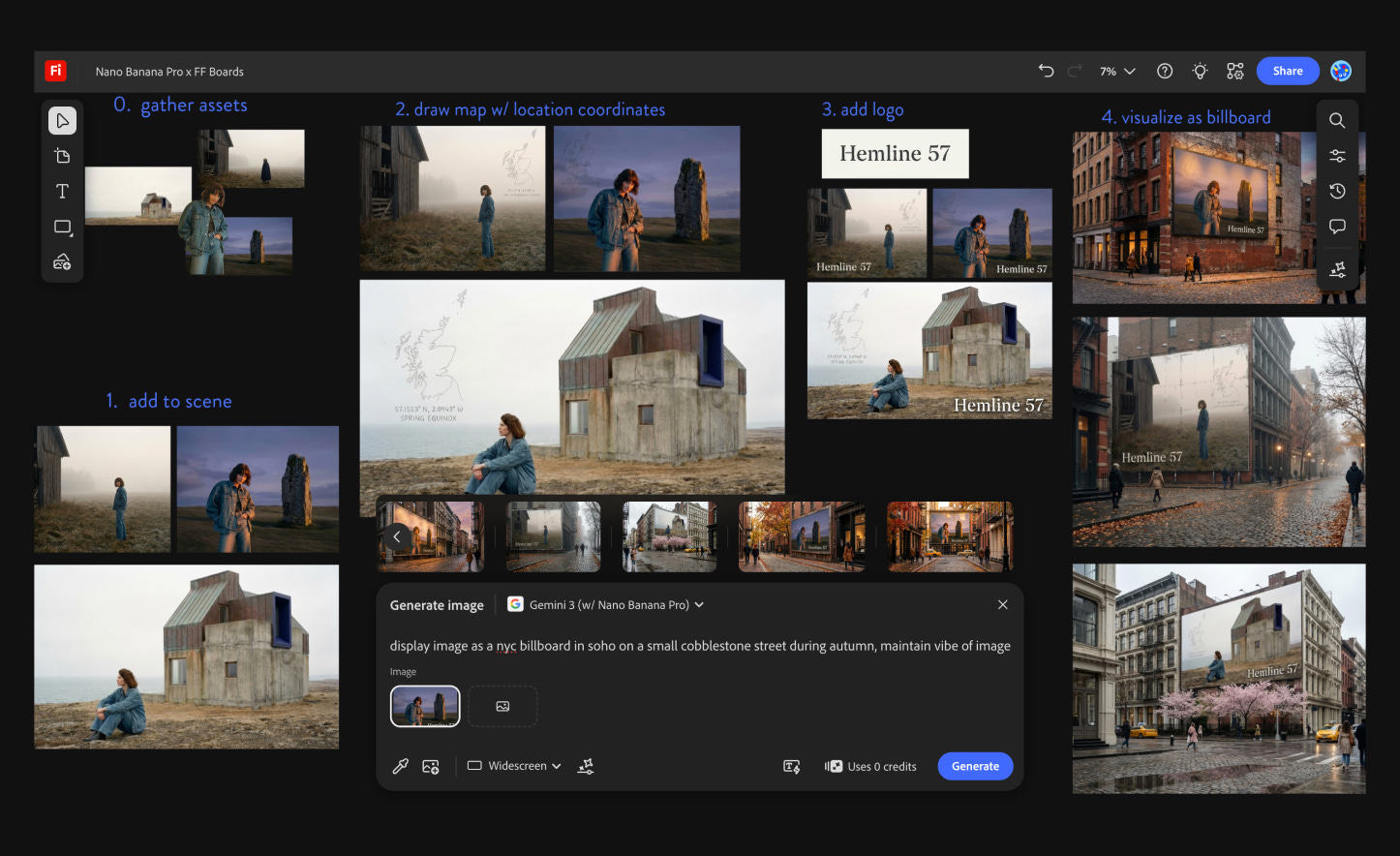
Adobe Firefly: All-in-one AI studio
With Moodboards, Profiles, Style references, macros, and the possibility to combine all of these with different weights, Midjourney is still the king of aesthetics. But Adobe Firefly has become a really useful part of how I approach AI explorations. Adobe has shifted from relying solely on its own Firefly models to becoming a hub for all the top-tier imaging models, including some of my personal favorites like Google’s Nano Banana Pro and Veo Fast. If you take a look at my most recent experiments with AI, I’ve been creating almost everything with Midjourney and Adobe Firefly.
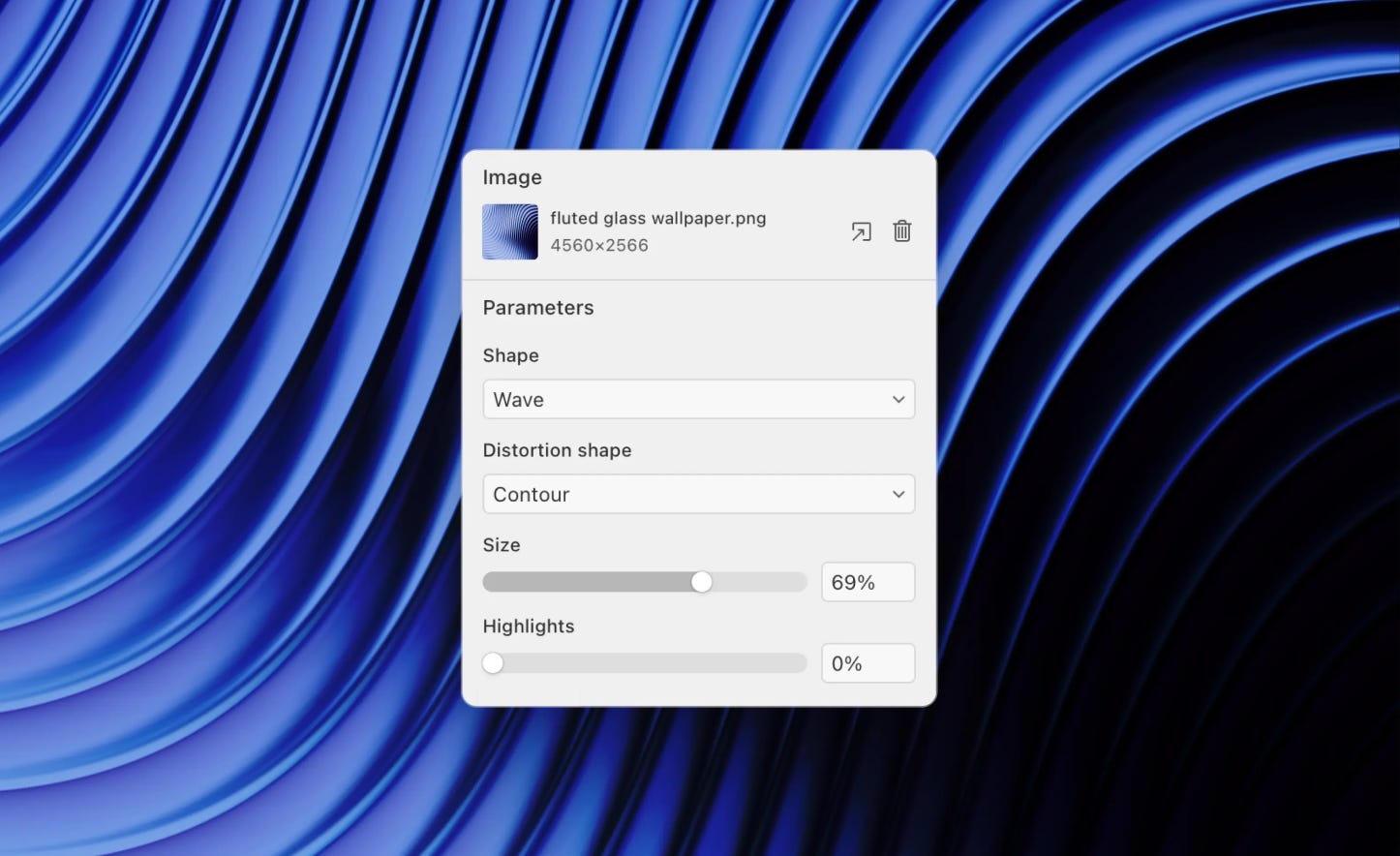
Paper: New kid in town
Figma may have won the fight against Adobe XD and Sketch, but the space keeps drawing new challengers. Paper is the new kid in town. Its animated shaders are the standout feature, but I also appreciate the small touches, like access to AI imaging models or even being able to customize the text-underline offset.
Framer Design Pages
Framer on the other hand isn’t new, but they recently made a move on Figma with their Design Pages, a full design canvas. This means that Framer isn’t just a site builder anymore. You can design a site in Framer and publish it in Framer, no Figma needed. And the best part: it’s free.
Animation with Jitter and Spline
Jitter is a new motion design tool that feels a lot like Figma. It’s fast, runs in the browser, supports multiple artboards in one document, allows real-time collaboration, and integrates smoothly with Figma. It’s not as powerful as Adobe After Effects, but it’s by far the simplest way I’ve found to create advanced motion graphics quickly. Spline has done the same for my 3D workflow. I’ve tried a bunch of 3D tools over the years and never stuck with one. Spline changed that. Like Jitter, it’s web-based, fast, and easy to pick up. I’ve been using both for most of my motion design work.
Adobe Premiere, now mobile
Most people posting videos on Instagram use the Edits tool, and those on TikTok use CapCut. Adobe Premiere mobile takes the best of both, expands the functionality, and even lets you continue on desktop. I’ve been using it a lot. It’s not as feature-rich as the desktop version, but it has plenty of smarts that make editing on the phone a breeze, for example, reordering clips. One thing I miss is image stabilization and more precise controls over timing.
Job Picks of the Month
And before I leave you, here are some interesting open positions I found this month:
Design Bridge & Partners - Senior Designer (Madrid - Spain)
FINN - Creative Brand Lead - (Germany - Remote)
Microsoft - Brand Designer - (Mountain View - USA)
Objective Brand - Creative Director (Denver - USA - Remote)
Superhuman - Head of Enterprise Design ( San Francisco - USA)
Good to know Adobe Firefly has different image models, will explore. Does any credit comes with the CC subscription, or we need to buy extra?
Happy New Year and thanks for the great read, again!
Cheers
Daniel